Redmine Studio features
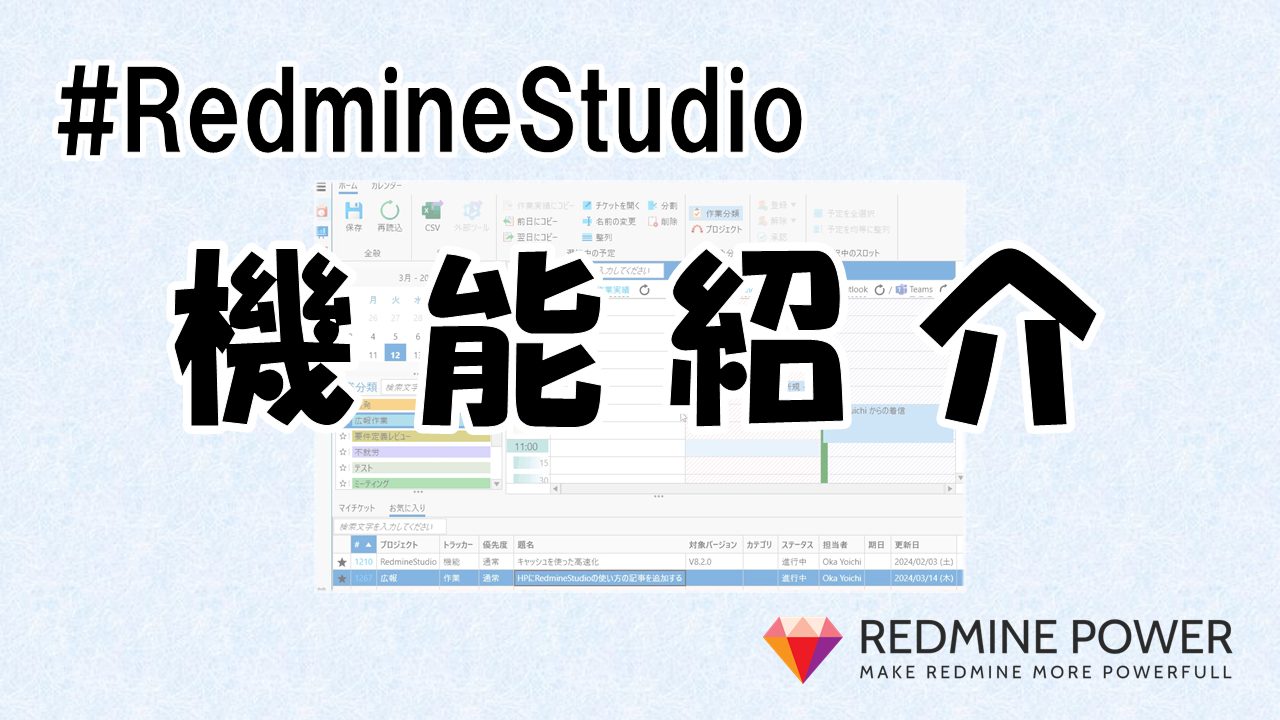
‘Redmine Studio‘ is a desktop application designed to make Redmine more comfortable to use.
Starting with the “Time Entry” feature aimed at supporting time logging to Redmine, it also includes the “Review Ticket Creation” feature to support ticket-driven review work, and the “Ticket Table Editor” feature that allows you to edit multiple tickets in a spreadsheet-like format. Please try out these features that make development with Redmine more convenient.
Time Entry
This feature records time spent on work as “Time Entries” in Redmine. It allows you to quickly identify the tasks you were working on from “ticket update history” or “email and Teams history,” enabling easy and accurate time entry. It also has integration capabilities with external tools, allowing integration with existing attendance management systems to avoid double entry. Accurate time recording is the first step toward analyzing and improving your work. Please make use of this feature!
Review Ticket Creation
This feature creates review-related tickets in bulk. By conducting review work in a ‘ticket-driven’ manner, you can use rich formatting for comments, easily grasp the current status of reviews, and enjoy various other benefits. However, effective implementation requires an appropriate ticket structure for creating tickets. This feature allows you to easily create all the tickets needed for ‘ticket-driven’ reviews at once.
Ticket Table Editor
This feature displays and edits multiple tickets in a spreadsheet-like format, similar to Excel. This allows you to view multiple tickets in a table format to grasp the overall progress or edit them in bulk. A key feature is that for development following the same process, you can set “projects” on the vertical axis and “processes” on the horizontal axis, enabling cross-sectional understanding of each project’s status across different processes. It also includes features to facilitate visualization, such as background color settings based on conditions and data aggregation using pivot tables.
It also has a feature to specify a parent ticket and add tickets as child tickets in bulk. Since you can edit tickets in a spreadsheet-like format here as well, adding tickets becomes very smooth. Furthermore, you can set common values for items shared across tickets at once. This allows you to set common values for “Assignee” or “Tracker” and focus only on editing the items of interest. This setting also supports custom fields, allowing flexible adaptation to your specific workflows.
- Features
Wiki Page Metrics
This feature visualizes the volume of Wiki pages and allows you to track changes over time. It enables you to measure the volume of Wiki content in each project in terms of “number of pages” or “character count.” By tracing the update history, you can also verify how much content has grown since the last measurement. This visualization can help motivate team members to accumulate knowledge.