

Functions

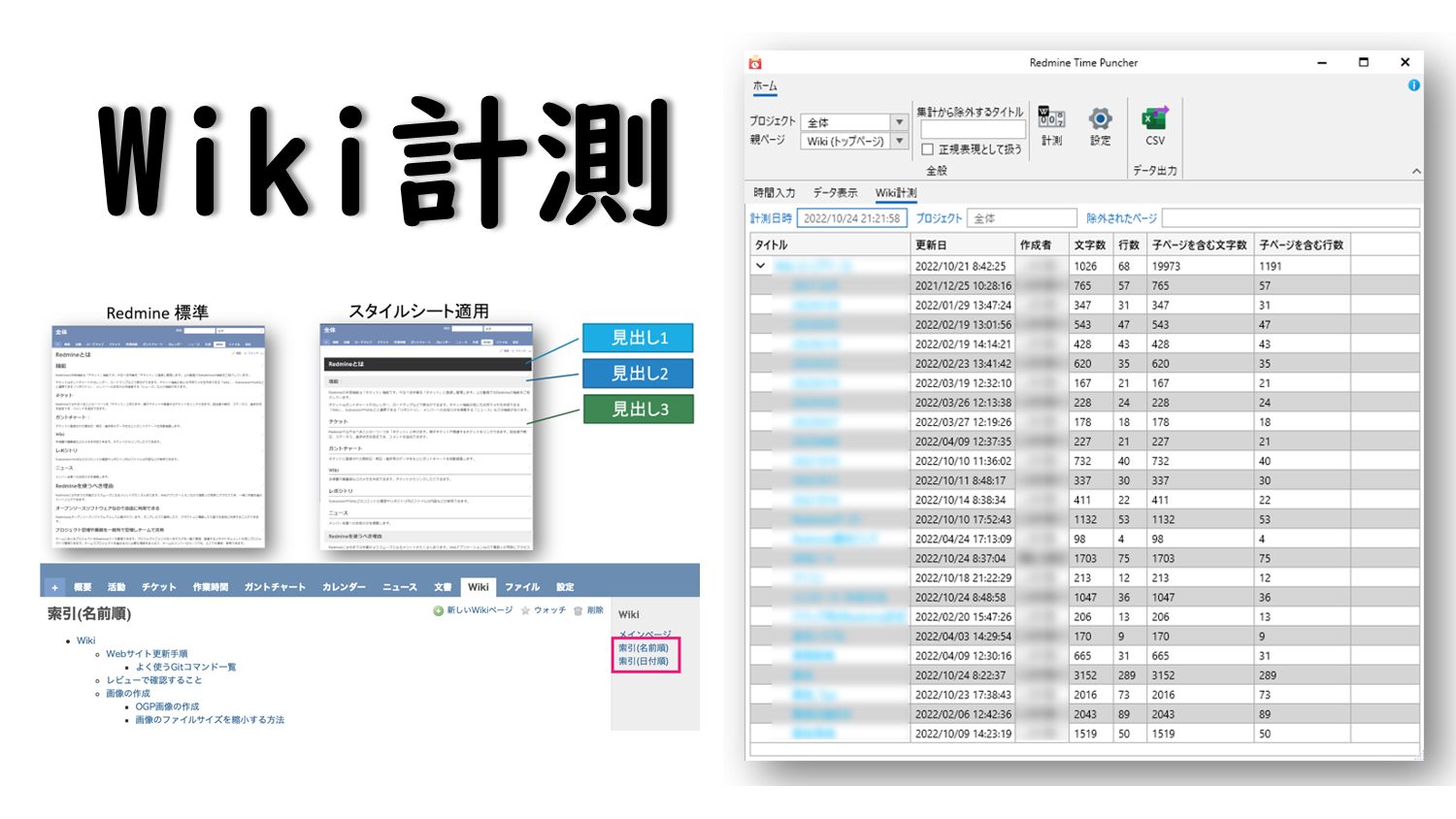

Redmine Time Puncher
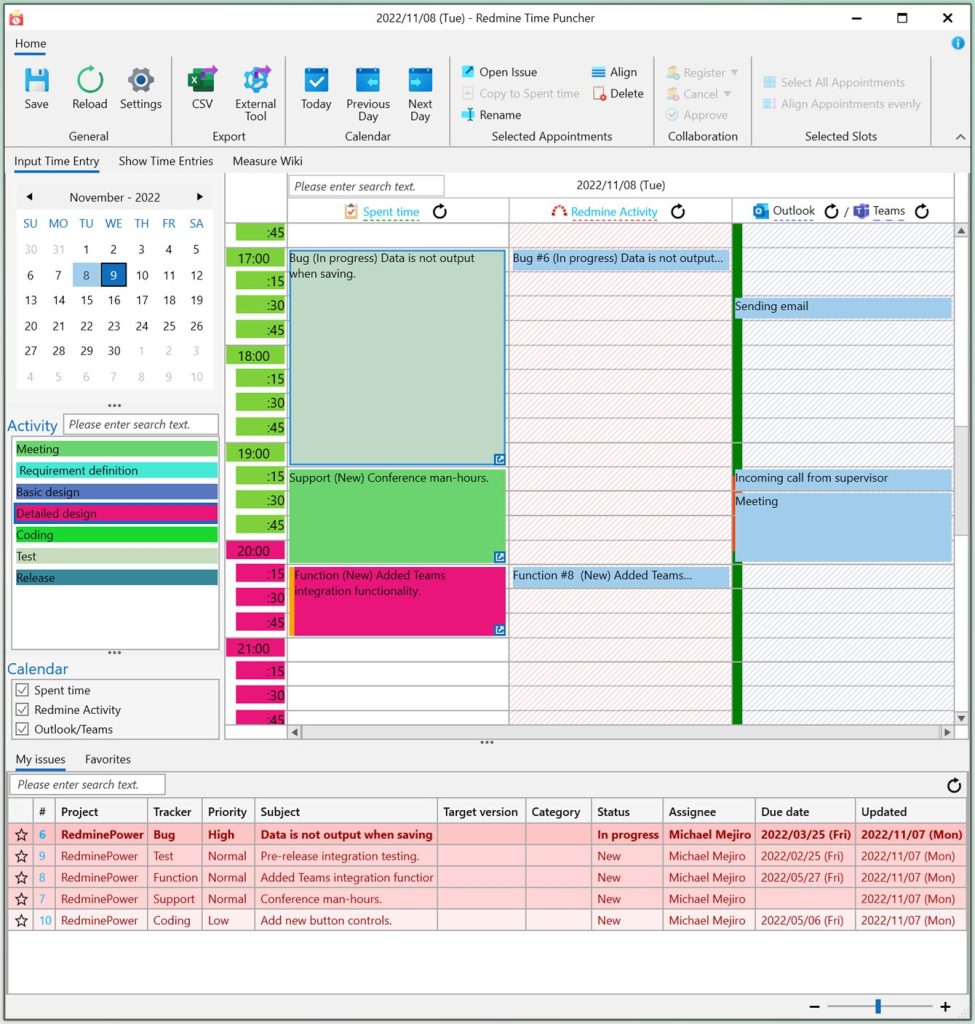
Simply drag and drop to accurately enter work time into issues without hassle. Daily, accurate recording of work time for each issue will help you track progress and improve the accuracy of future estimates.
Main Features
You can obtain a Redmine activity log. You can look back at the day’s work at a glance, making it easier to enter daily work results.
You can retrieve appointments and outgoing mail from Outlook and status and call logs from Teams. This helps to enter more accurate work performance.
The entered work records can not only be recorded in Redmine, but also saved in CSV format. It can also be passed to an external tool, such as an attendance management system, to activate the external tool.
Work categories can be automatically assigned according to pre-defined conditions based on multiple pieces of information such as tracker, status, title, assignments, parent issue, etc. set for the issue.
You can view a list of issues assigned to you. The list is sorted by priority, and expired and high priority issues are colored, so you can see at a glance which issue to deal with first.
A custom query can be specified to display a list of issues.